
Live audience-message operations
A Windows application in active development for event teams who need to prepare, moderate, style and present audience messages on screen.
- 01ReceiveAudience messages enter the production workflow.
- 02DecideAn operator makes every moderation decision.
- 03PresentApproved messages become part of the show.
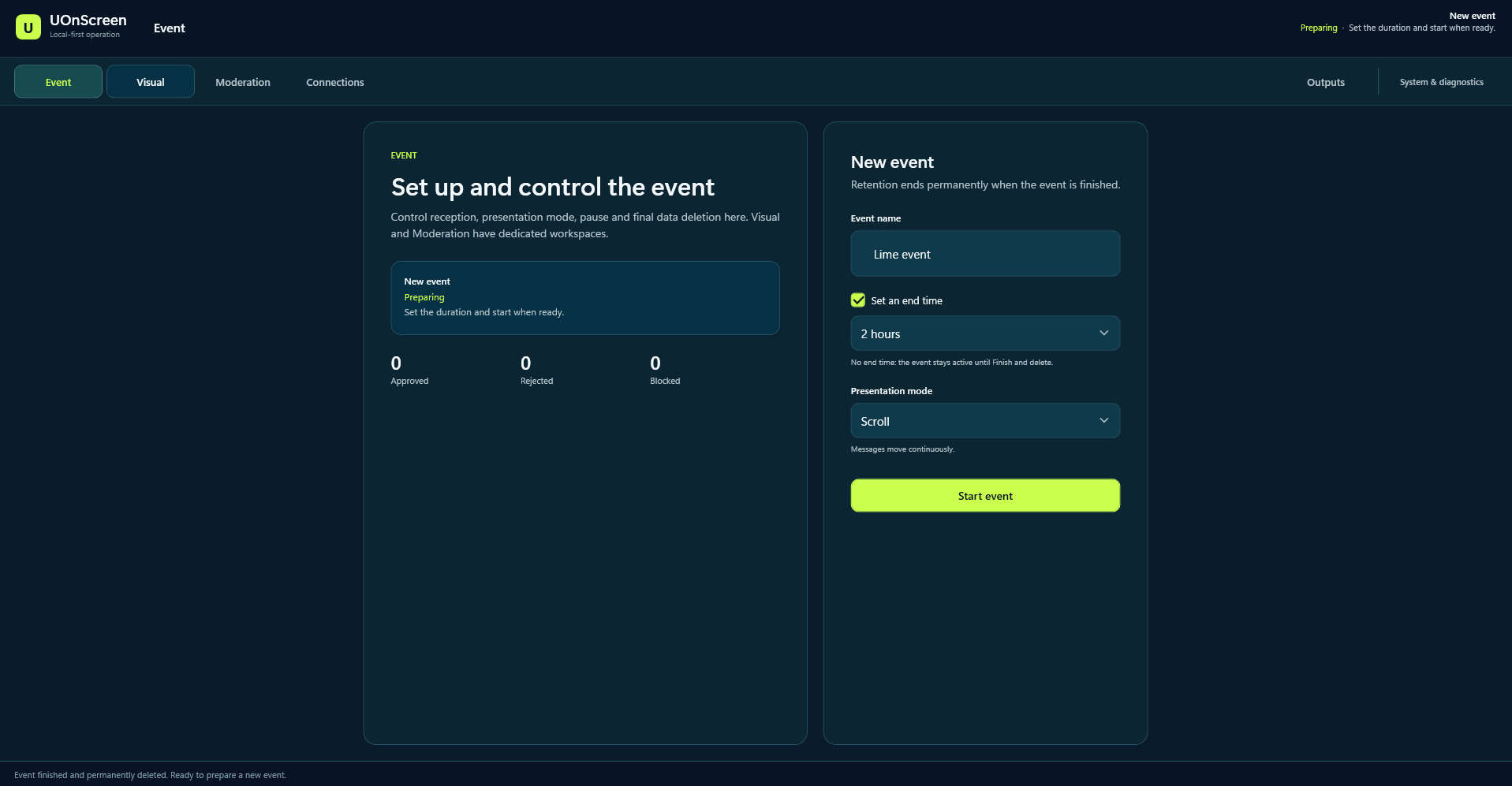
The live problem
The audience is live. The output still needs control.
Audience participation can add energy to an event, but production still needs a clear boundary between what arrives and what appears on screen. UOnScreen puts that boundary in the operator's hands.
Production / Moderation
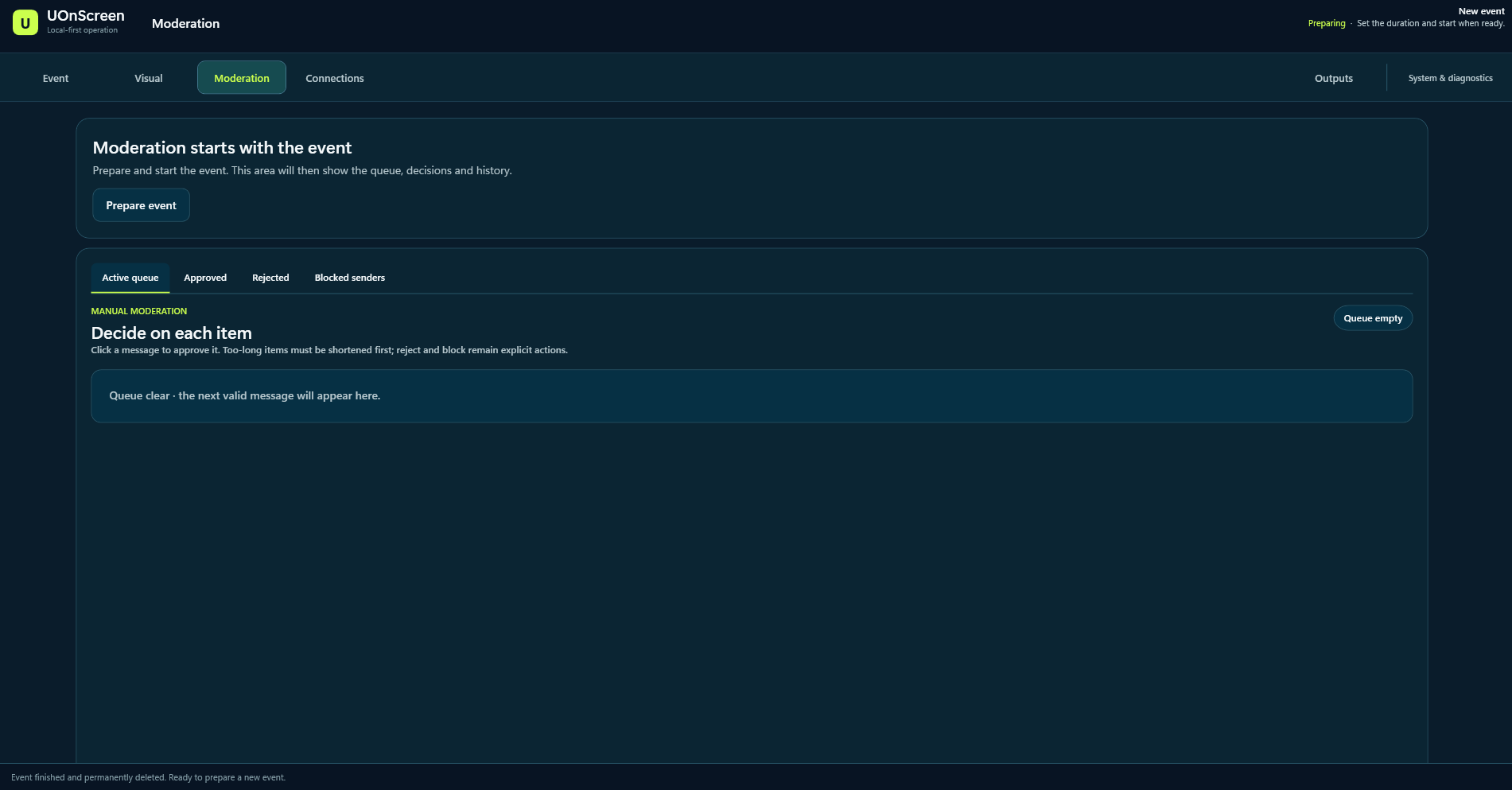
Every message earns its place on screen.
The active queue, approved and rejected history, and blocked senders stay explicit. Moderation is manual: each item is approved, rejected or blocked by the operator.
Visual studio
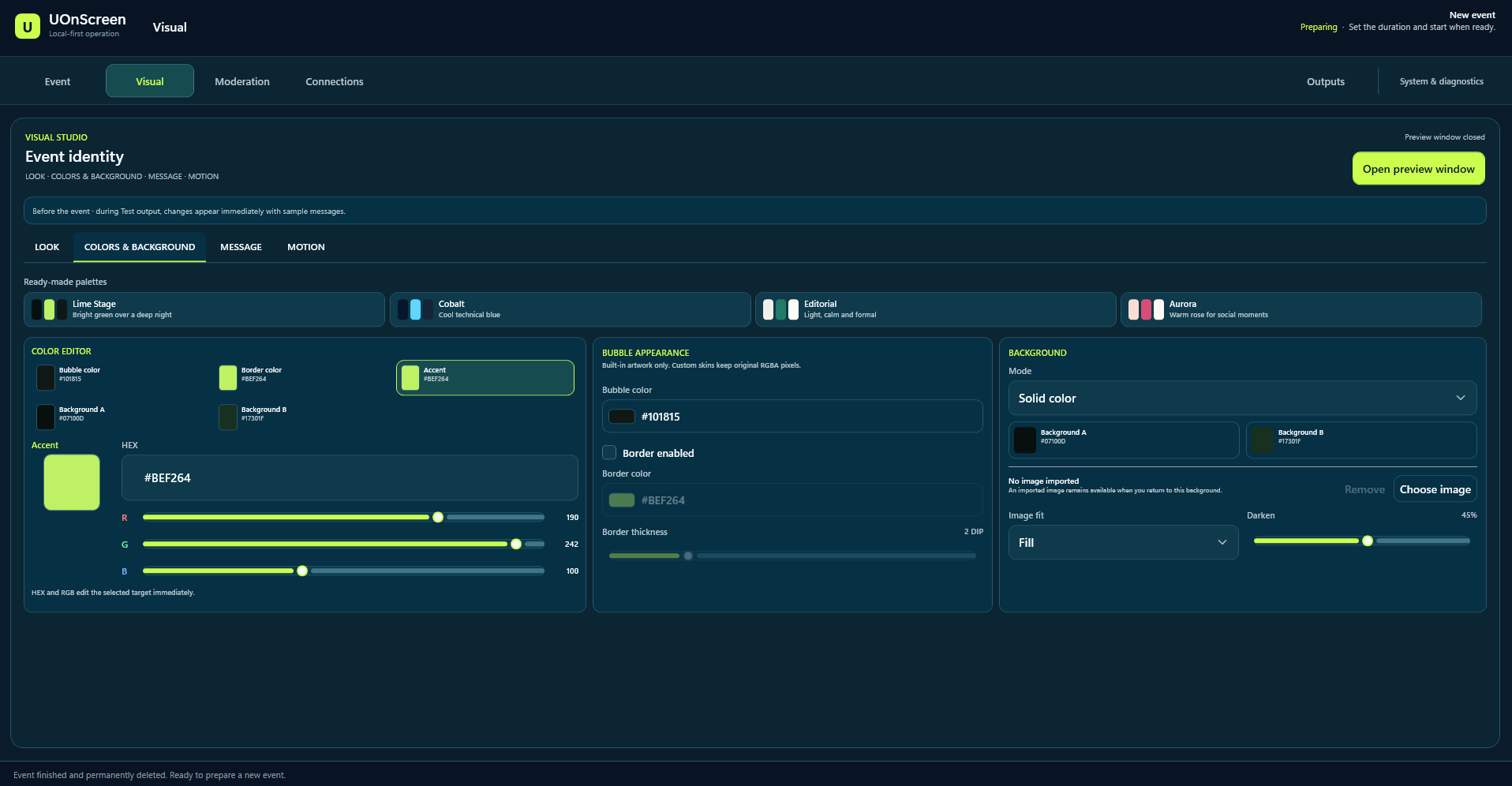
Make the messages belong to the event.
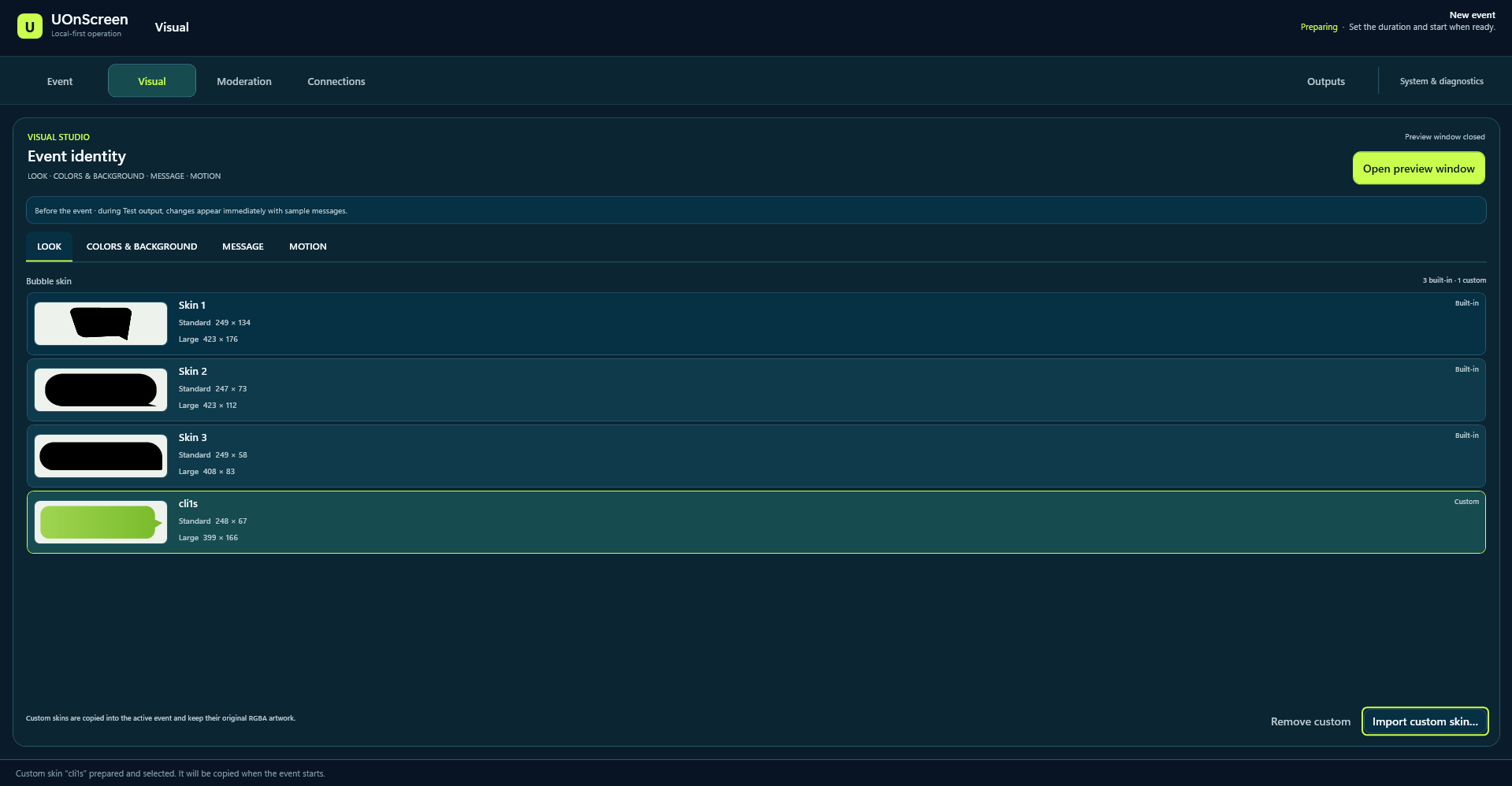
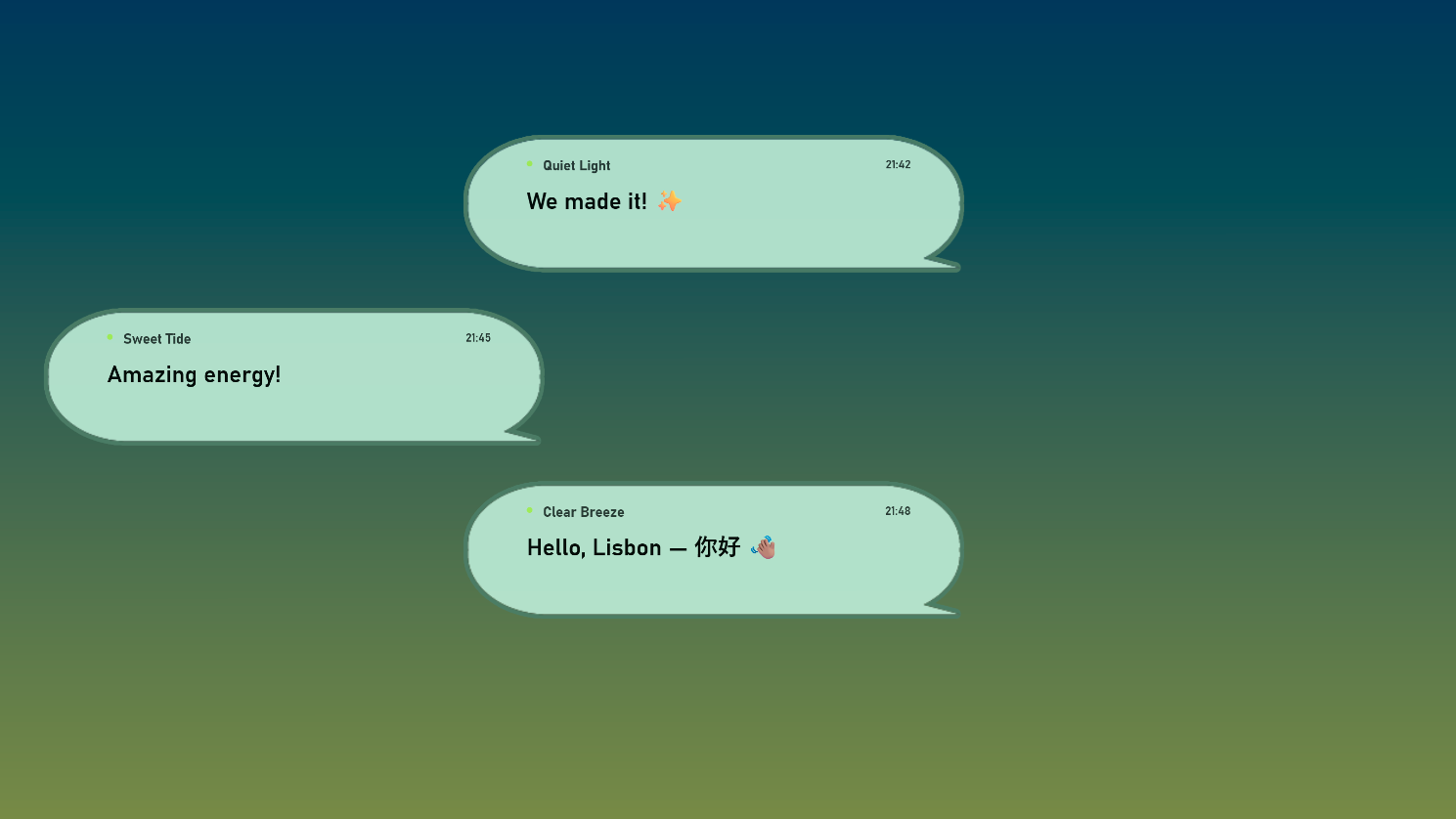
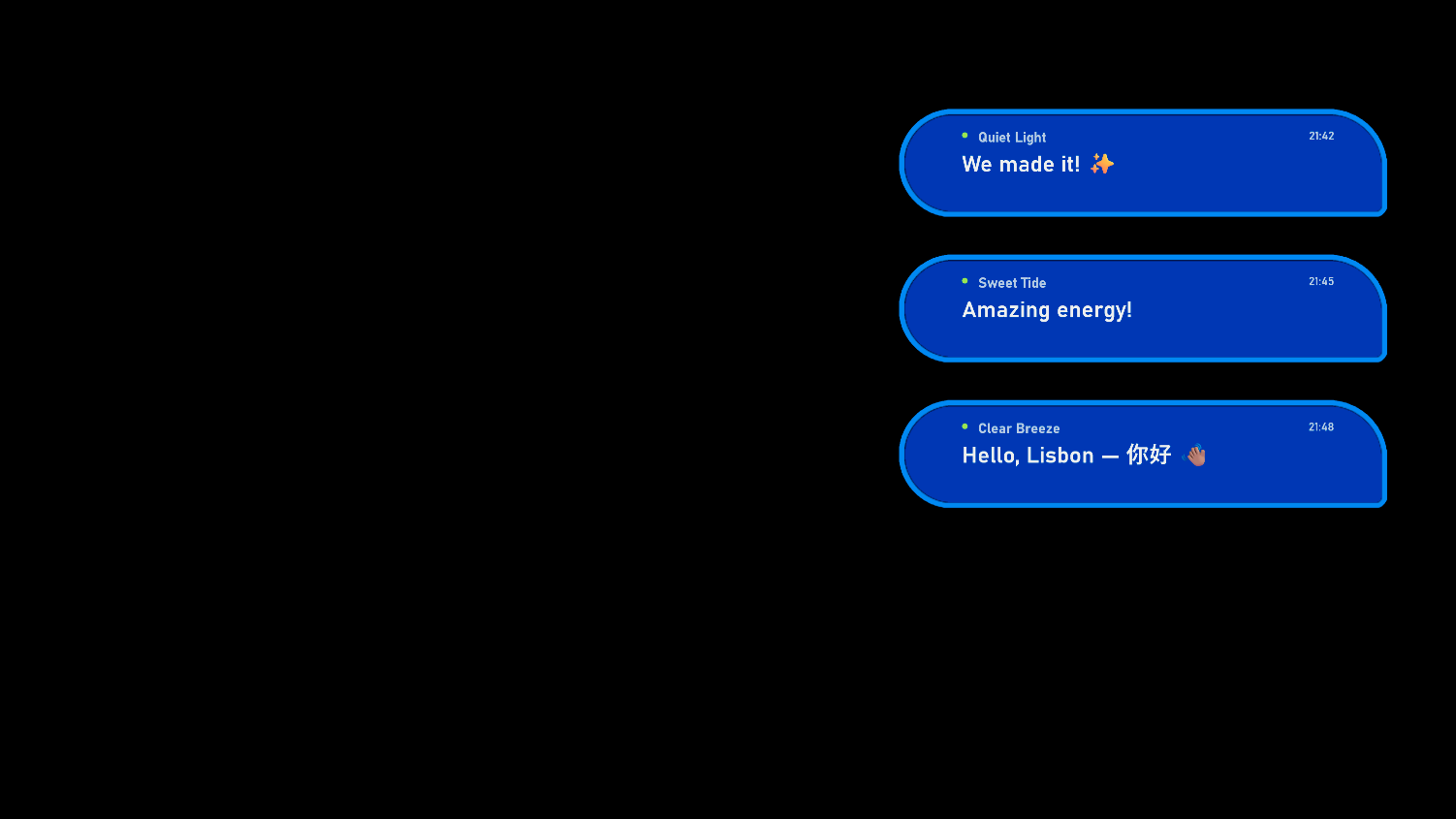
Colour, background, bubble appearance and motion give production control over how messages meet the wider show identity.
Screen / Preview
One show. More than one identity.
The same message flow can meet very different visual worlds. Preview keeps that output visible before it becomes part of the event.
Current product state
Local-first. Actively taking shape.
Current
A Windows workflow with the operator at its centre.
The current evidence shows event setup, manual moderation, visual customization, bubble skins and preview output. Local-first operation is a product principle.
Boundary
In development, without release claims.
This public case study makes no claim about a specific message channel, release availability or commercial details.